🤖 AI-Powered SMS Queue Assistant: What It Actually Does for Your Staff
A practical guide to AI queue assistants: real capabilities, staff benefits, and customer experience improvements without the hype.
The Problem With Traditional Queue Management
If you've ever managed a busy waiting room, you know the pattern: customers constantly asking "How much longer?" or "Can I step out for 10 minutes?" or "What number are you on?"
These questions are reasonable — people want transparency. But for staff, answering the same questions dozens of times per day creates constant interruptions that pull focus away from actual service delivery.
Traditional solutions like paper sign-in sheets or basic SMS notifications help, but they're one-way. Customers still need to ask follow-up questions, and staff still need to answer them.
That's where AI-powered SMS queue assistants come in — not as a replacement for human staff, but as a tool to handle repetitive questions automatically so your team can focus on what matters.
What an AI Queue Assistant Actually Does
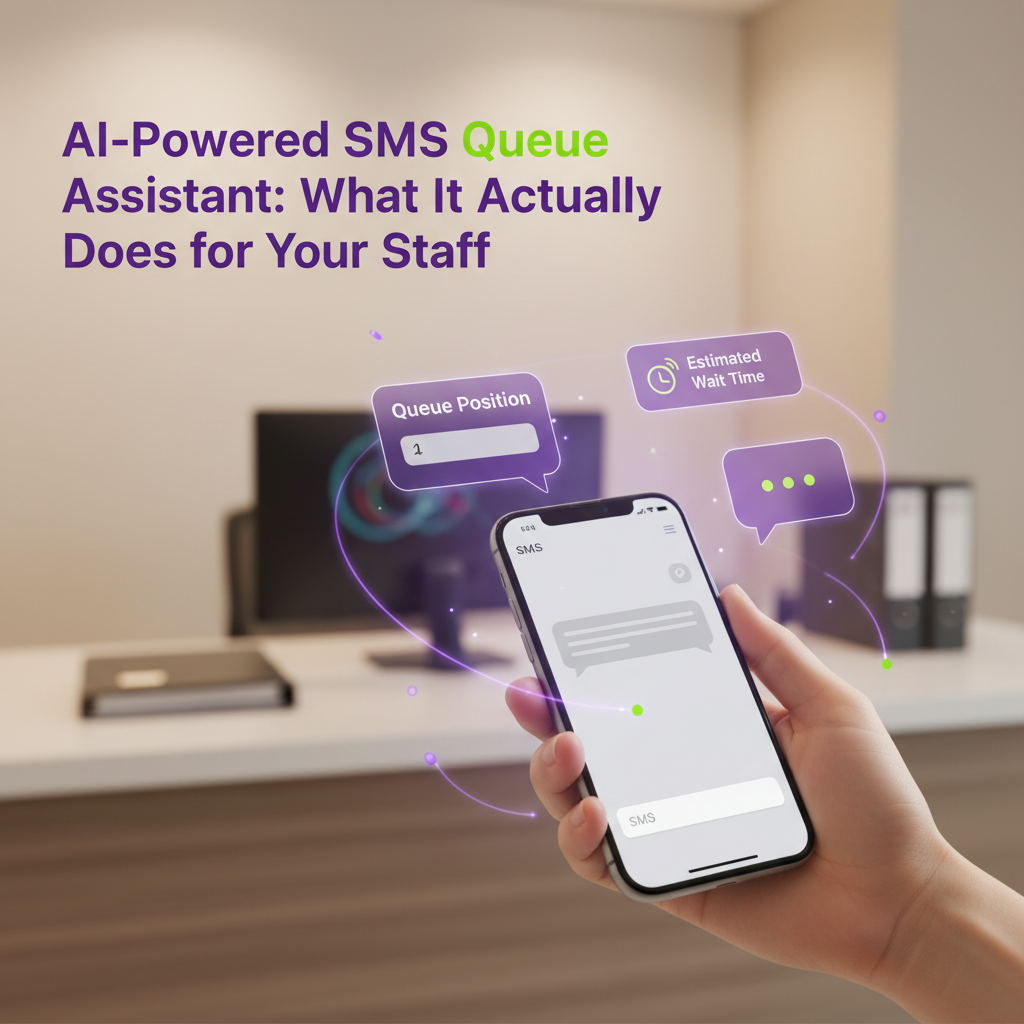
An AI queue assistant is software that understands natural language text messages and responds with relevant, accurate information about a customer's place in line.
Here's what it can realistically handle:
- Answer position questions — "How many people are ahead of me?" gets an instant, accurate response
- Provide wait time estimates — "What's my wait time?" returns calculated estimates based on current queue speed
- Handle delay requests — "Can you push me back 15 minutes?" adjusts their position without staff involvement
- Process cancellations — "I need to leave the line" removes them from the queue cleanly
- Understand variations — Recognizes different ways people ask the same question ("How long?", "What's the wait?", "When's my turn?")
- Respond 24/7 — Works instantly, even during peak hours when staff are overwhelmed
What it doesn't do: Make medical decisions, handle billing disputes, override staff judgment, or pretend to be human. It's a tool for answering common queue-related questions — nothing more, nothing less.
Why SMS Is the Best Channel for AI Customer Interaction
AI assistants exist across many channels — chatbots on websites, voice assistants on phones, apps with built-in messaging. But for queue management, SMS has distinct advantages:
1. Universal Access
Every mobile phone can send and receive text messages. No app download, no account creation, no Wi-Fi required. This matters when your customers span different age groups and tech comfort levels.
2. Asynchronous Communication
Customers can text whenever they think of a question. They don't need to stay on a website or keep an app open. The AI responds instantly, and they see it when they check their phone.
3. Low Cognitive Load
Texting is familiar. People already know how to do it. There's no learning curve, no interface to navigate, no buttons to find. Just type and send.
4. Clear Expectations
When customers text a queue system, they expect quick, factual answers about their wait. This aligns perfectly with what AI does well: retrieving and presenting structured information.
Examples of Real Conversations
Here's what actual interactions look like (simplified for clarity):
Example 1: Position Check
Customer: "How many people are ahead of me?"
AI: "You're currently #4 in line. Estimated wait time is 15-20 minutes."
Example 2: Delay Request
Customer: "Can you push me back 20 minutes? Need to grab lunch"
AI: "Done! I've moved you back 20 minutes. You're now #8 in line. Text STATUS anytime to check your position."
Example 3: Wait Time Update
Customer: "What's my wait time now?"
AI: "You're #2 in line. Estimated wait is 5-8 minutes. Please head to the location soon."
Example 4: Cancellation
Customer: "I need to leave the line"
AI: "You've been removed from the queue. Thanks for letting us know. Text JOIN if you'd like to rejoin later."
Notice the pattern: customers use natural language, the AI understands intent, and responses are clear and actionable. No confusion, no back-and-forth, no staff time required.
How Staff Benefit (Less Interruptions, Fewer Questions)
1. Reduced Interruptions
When customers can text for updates, they stop walking up to the desk every 10 minutes. Staff can focus on serving the current customer without constant "How much longer?" interruptions.
2. Fewer Repetitive Questions
The AI handles the same questions over and over without fatigue. Staff energy goes toward complex issues that actually require human judgment.
3. Better Workflow
Instead of managing anxious customers in a crowded waiting room, staff work through the queue systematically. The AI keeps everyone informed, reducing pressure on the front desk.
4. Scalability During Peak Times
During rushes (Monday mornings, lunch hours, flu season), the AI handles increased question volume without additional staffing. One person can manage what used to require two or three.
5. Consistent Communication
The AI gives accurate, consistent information every time. No risk of miscommunication or outdated estimates.
How Customers Benefit (Instant Answers, More Transparency)
1. Immediate Responses
No waiting on hold, no standing in line to ask a question. Text and get an answer in seconds.
2. Transparency and Control
Customers know exactly where they stand. They can check their position as often as they want without feeling like they're bothering anyone.
3. Flexibility
Need to run an errand? Push back your spot. Running early? Check if you can come in sooner. The system adapts to their schedule.
4. Reduced Anxiety
Uncertainty creates stress. Knowing "You're #3, about 10 minutes" is far less stressful than sitting in a room wondering if you've been forgotten.
5. Better Experience Overall
When customers feel informed and in control, satisfaction increases — even if the actual wait time hasn't changed. Perception matters.
Privacy & Guardrails (No PHI, No Billing Disputes, Safe Language)
AI queue assistants operate within strict boundaries to ensure safety and compliance:
✓ Is AI Queue Management Safe?
Yes. QueueMeIn's AI assistant only handles queue-related questions (position, wait time, delays). It never accesses protected health information (PHI), billing data, or personal records. All sensitive matters are escalated to human staff.
No Protected Health Information (PHI)
The system only knows queue position and wait times. It doesn't access medical records, diagnoses, or personal health data. This keeps things simple and compliant.
No Billing or Payment Discussions
The AI doesn't handle money, insurance, or billing questions. Those require human staff with access to secure systems.
Clear Scope Boundaries
If a customer asks something outside the AI's scope ("Can I get a prescription refill?"), it responds with: "I can help with queue questions. For other requests, please speak with staff when you arrive."
Human Escalation
Complex or sensitive questions get flagged for staff review. The AI knows its limits and doesn't pretend otherwise.
No Impersonation
The system identifies itself as an automated assistant. Customers know they're texting a bot, not a person.
Implementation Guide (How a Business Can Enable It in Minutes)
Setting up an AI queue assistant is simpler than most businesses expect:
Step 1: Choose Your Platform
Select a queue management system with built-in AI capabilities. QueueMeIn's Premium plan includes AI SMS assistant features designed specifically for queue management.
Step 2: Configure Your Queue Settings
Set up your queue parameters:
- Average service time per customer
- Queue capacity limits
- Operating hours
- Custom messages (optional)
Step 3: Enable AI Responses
Toggle the AI assistant feature on in your admin dashboard. The system immediately starts handling customer texts.
Step 4: Train Your Staff
Brief your team on what the AI handles (position, wait time, delays) and what still requires human attention (complex issues, complaints, special requests).
Step 5: Promote to Customers
Add signage: "Text us anytime to check your position or adjust your wait time." Most customers will try it immediately.
Step 6: Monitor and Adjust
Review AI interaction logs weekly. Adjust wait time estimates based on actual performance. Refine messaging as needed.
Total setup time: 15-30 minutes. No technical expertise required.
Soft CTA: Try QueueMeIn's AI-Powered Queue Assistant
If you're ready to reduce staff interruptions, improve customer transparency, and handle peak volume without adding headcount, QueueMeIn's AI-powered SMS assistant offers a practical, proven solution.
No hype. No over-promising. Just a tool that handles repetitive questions so your team can focus on service.
Explore our Premium plan pricing ($89/month with AI features included) or start a 14-day free trial to see how AI queue management works in your environment. No credit card required to start your free trial.
Want to understand more about why SMS-based systems outperform apps? We've written about that too.
Ready to Add AI to Your Queue Management?
Start your 14-day free trial and see how AI-powered SMS reduces staff workload and improves customer satisfaction.
Start Free Trial